
Introduction: The Changing Face of WoW’s Interface
World of Warcraft (WoW) has undergone many transformations over the years, and one of the most significant changes has been in its user interface (UI). The interface is a crucial part of the player experience, providing the tools and information necessary to navigate the game world, interact with other players, and engage in combat. As WoW has evolved, so too has its UI, with updates and innovations aimed at improving accessibility, customization, and usability. In this article, we’ll take a deep dive into WoW’s UI evolution, from its humble beginnings to the modern, customizable interface players use today.
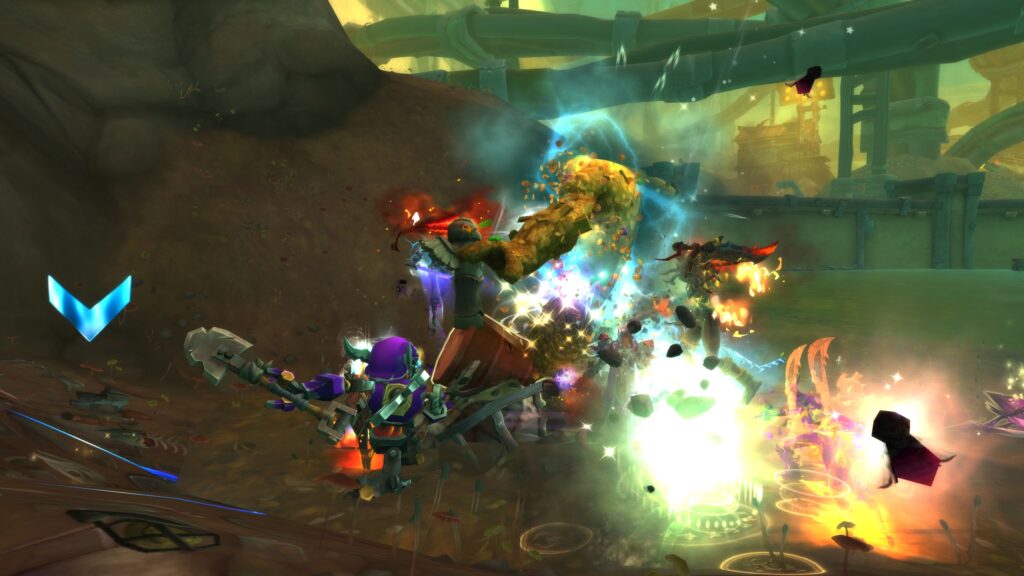
Early WoW UI: Simplicity and Functionality
When WoW first launched in 2004, its user interface was functional but basic. The primary focus was on providing players with the essential tools for playing the game: health and mana bars, action bars, and chat windows. However, the early interface had limited customization options, and players often had to adapt to the rigid layout provided by Blizzard.
Key Features of the Original UI
- Minimalist Design – The original UI was relatively sparse, with key information like health and mana displayed prominently at the top and bottom of the screen.
- Static Layout – Players were limited in how they could arrange UI elements, as the layout was fixed and could not be customized.
- Basic Add-Ons – While the game allowed for basic add-ons, there was no built-in support for advanced customization, leading to a reliance on third-party tools.
The Rise of Customization: Add-Ons and Player Control

As WoW grew in popularity, players began to demand more customization options. The introduction of add-ons in the early years of the game gave players the ability to modify the interface to suit their needs. Add-ons allowed players to customize everything from action bars to combat alerts, creating a more personalized and streamlined experience.
Impact of Add-Ons on WoW’s UI
- Action Bar Add-Ons – Players began using add-ons like Bartender to customize their action bars, allowing for more intuitive and efficient setups.
- Raid and Party UI – Add-ons like X-Perl and Grid gave players the ability to organize raid frames and party health bars for more efficient healing and monitoring.
- Combat and Alert Systems – Add-ons like Deadly Boss Mods (DBM) and BigWigs became essential for raiders, providing real-time alerts for boss abilities and event triggers.
Modern WoW UI: Streamlined and Customizable
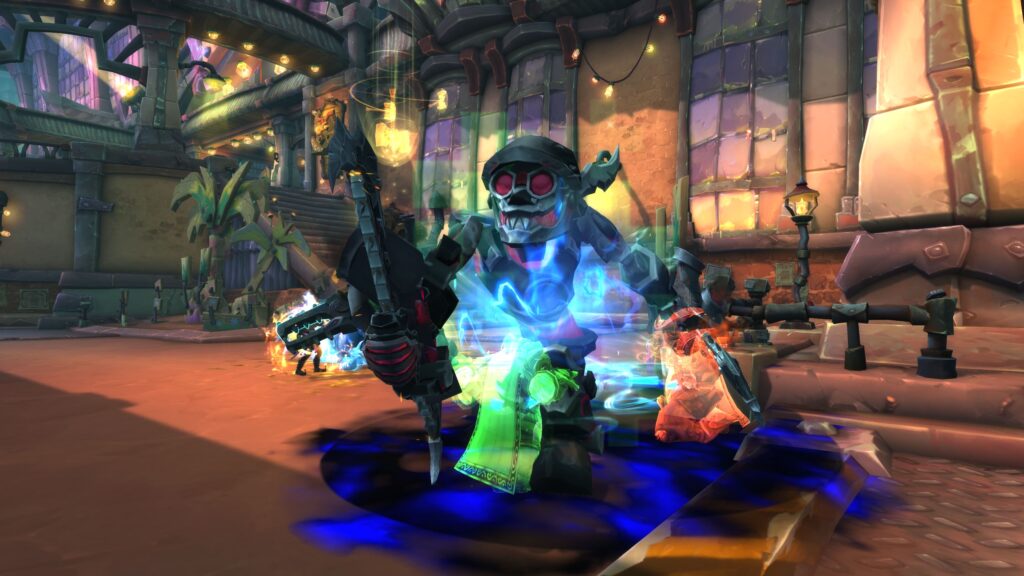
Today’s WoW interface is a far cry from its early days. With the addition of new customization tools, built-in options, and more flexibility, players now have the ability to create a UI that perfectly suits their playstyle. Blizzard has incorporated many quality-of-life improvements that make the interface more user-friendly while still allowing for deep customization through add-ons.
New UI Features and Innovations
- Customizable Action Bars – The modern UI allows players to move and resize action bars, giving them full control over their layout without the need for third-party add-ons.
- Dynamic Buff and Debuff Displays – The default UI includes dynamic displays for buffs and debuffs, helping players keep track of important status effects during combat.
- Built-In Raid and Party Frames – WoW now offers fully customizable raid frames and party frames, making it easier for players to track health, resources, and debuffs without needing additional add-ons.
Future of WoW’s UI: Ongoing Innovation

As WoW continues to evolve, its UI will likely see further improvements. Blizzard has shown a commitment to refining the user interface, integrating more customization options, and ensuring that the interface remains accessible to players of all skill levels. With advancements in technology, including support for higher resolutions and multi-monitor setups, the future of WoW’s UI holds exciting possibilities.
Possible Future Developments
- Enhanced Customization Tools – Blizzard may continue to expand in-game customization options, offering even more flexibility for players to tailor their UIs.
- Support for VR and Immersive Displays – As virtual reality (VR) and augmented reality (AR) technologies evolve, WoW’s interface could adapt to support new, immersive gameplay experiences.
- Integrated Social and Group Management – Future UI updates may include more integrated social features, allowing players to manage groups, guilds, and in-game communication tools more easily.
Conclusion: A UI That Adapts with the Game
The evolution of WoW’s UI has been a journey of constant improvement and adaptation. From its early days with a simple, minimalist interface to the highly customizable, feature-rich interface of today, WoW has ensured that players have the tools they need to enjoy the game. With continued innovation and player feedback, the future of WoW’s UI promises even more options, helping players immerse themselves in Azeroth like never before.
Home